
MegaPari App: Full Casino & Sports Betting in Your Pocket
The MegaPari app is a fully featured betting platform for Ethiopian players. It covers pre-match and live sports betting, 8,000+ casino games, and real-money transactions in one install. No desktop required. No mirror sites needed. The app connects directly to the platform, delivering fast, responsive performance on any Android or iOS device.
MegaPari App Features & Design
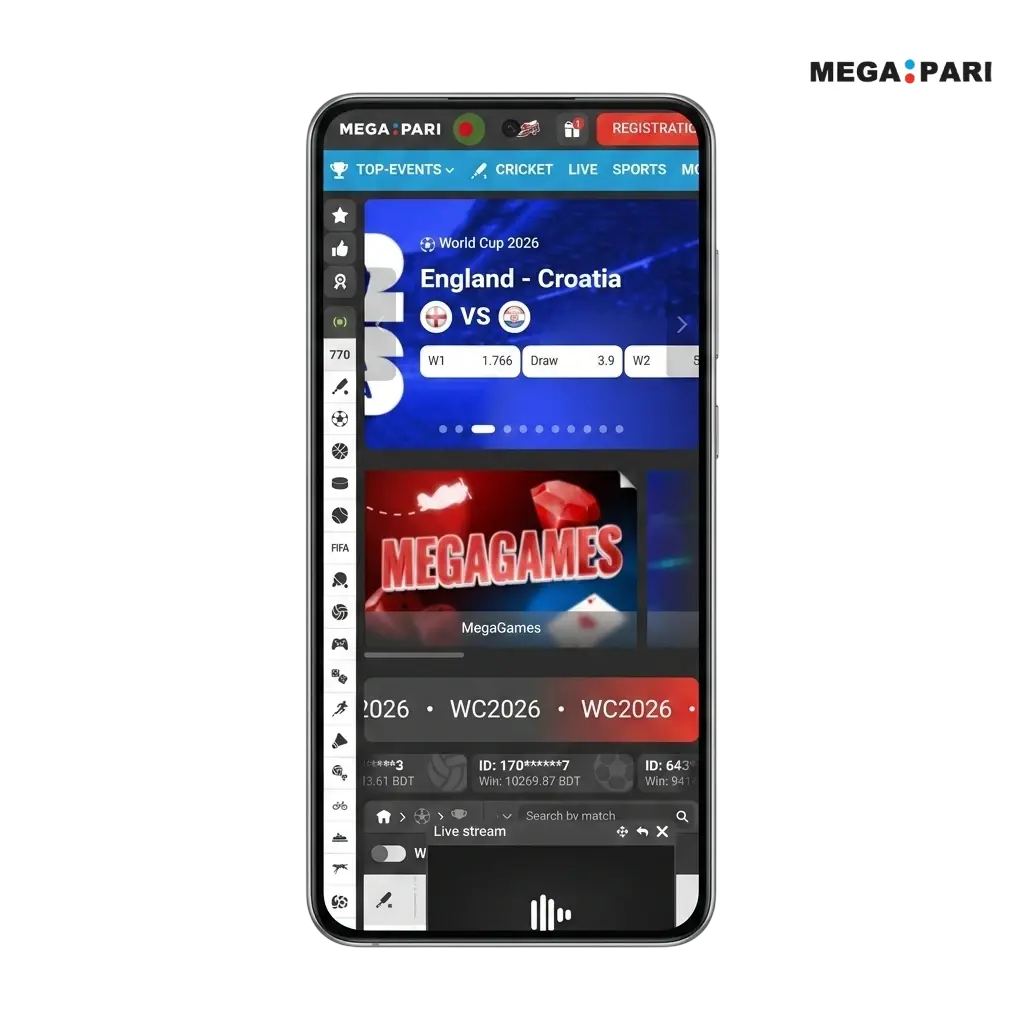
The MegaPari app follows the brand’s signature dark navy and red color scheme, with a clean interface optimized for mobile screens. The layout adapts to screen sizes from 5-inch budget Androids to large-format tablets. High-contrast text and bold iconography ensure readability in any lighting condition. Every element is sized for touch input, so navigation stays comfortable regardless of screen resolution.

Core Features & Full Functionality
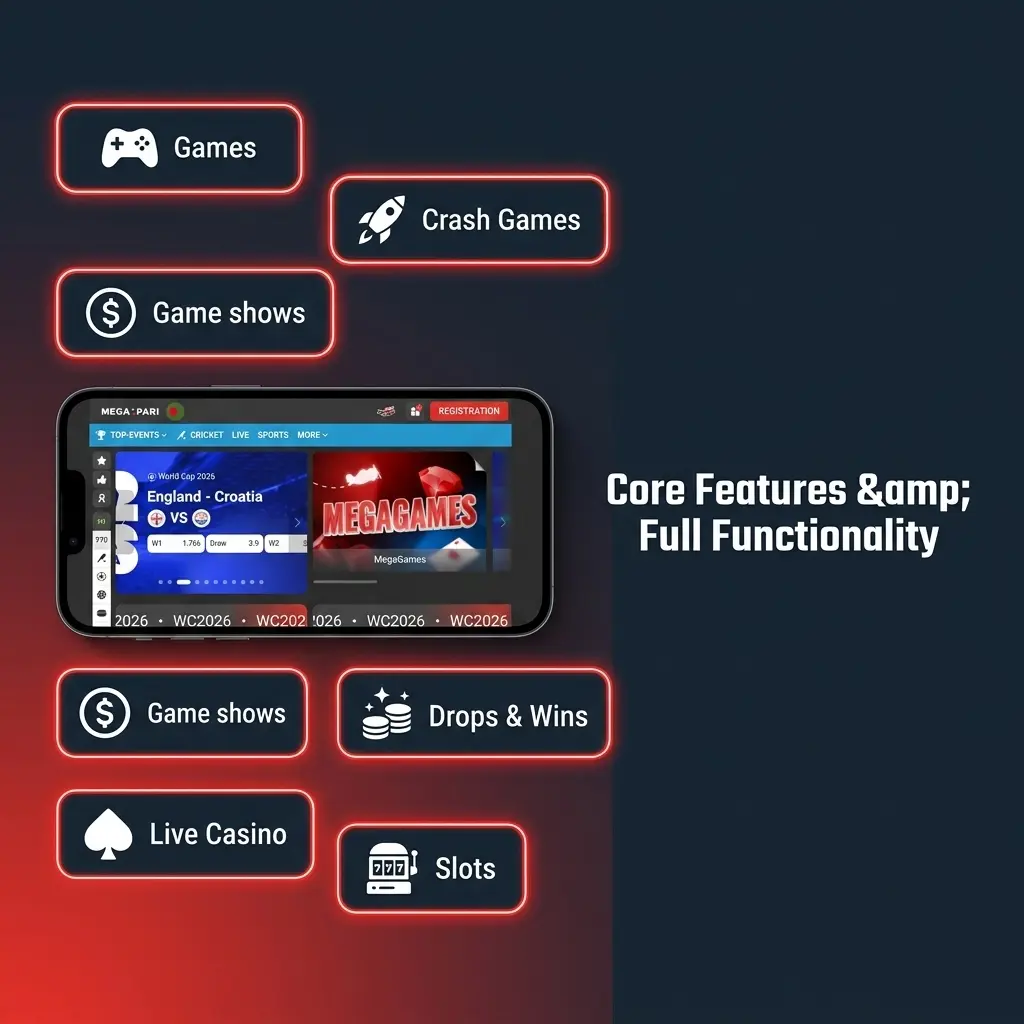
The MegaPari app delivers the complete desktop experience on mobile. Pre-match betting lines cover 30+ sports, with live odds updating continuously during events. In-app live streaming is available for selected matches across football, basketball, and tennis. The casino section gives full access to slots, crash games, and live dealer tables. Bonus offers can be activated directly inside the app. The in-app support chat connects you to an agent 24/7.
Interface, Navigation & Ease of Use
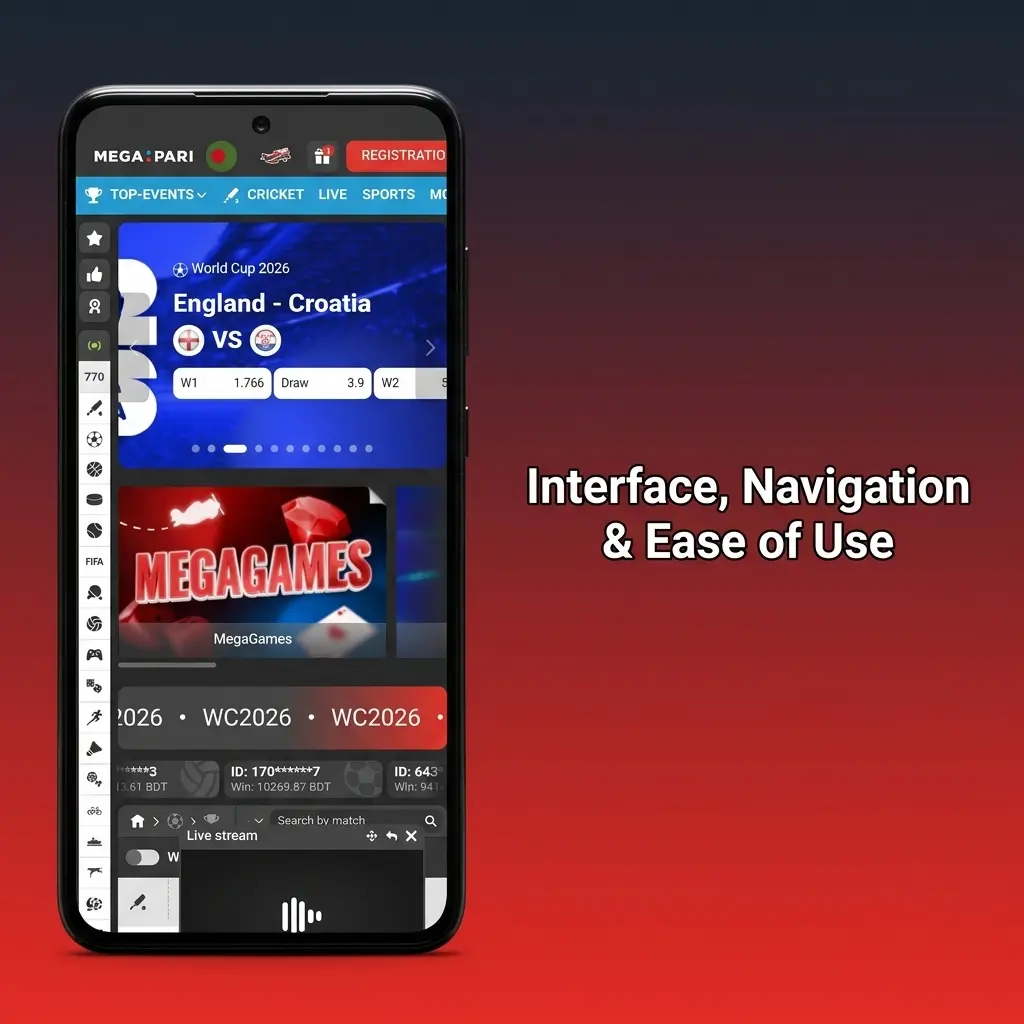
The app uses a bottom navigation bar to keep the main sections one tap away: Sports, Casino, Live Casino, Promotions, and Account. The bet slip is accessible from any screen with a single tap. In the casino section, filters let you sort by game type, provider, or popularity. You can search directly by provider name, with 100+ studios indexed. All interactive elements are sized and positioned for comfortable one-handed use during commutes or on the go.
MegaPari App vs. Mobile Site: Which One Should You Use?
The mobile site requires no download and works on any device with a browser. The app, however, loads faster because UI assets are stored locally on the device rather than fetched over a network connection each session. Data consumption is lower per session, and performance stays stable even on a weak 3G signal. For Ethiopian users on mobile data, the app is the more reliable option.
Download the MegaPari App: Free for Ethiopian Users
The MegaPari app is free to download and install for all residents of Ethiopia. The process takes under two minutes from start to finish. No subscription or registration fee is required before installation. Install the app now to get uninterrupted access to betting, casino games, and promotions from any location.
Android Installation: APK Download
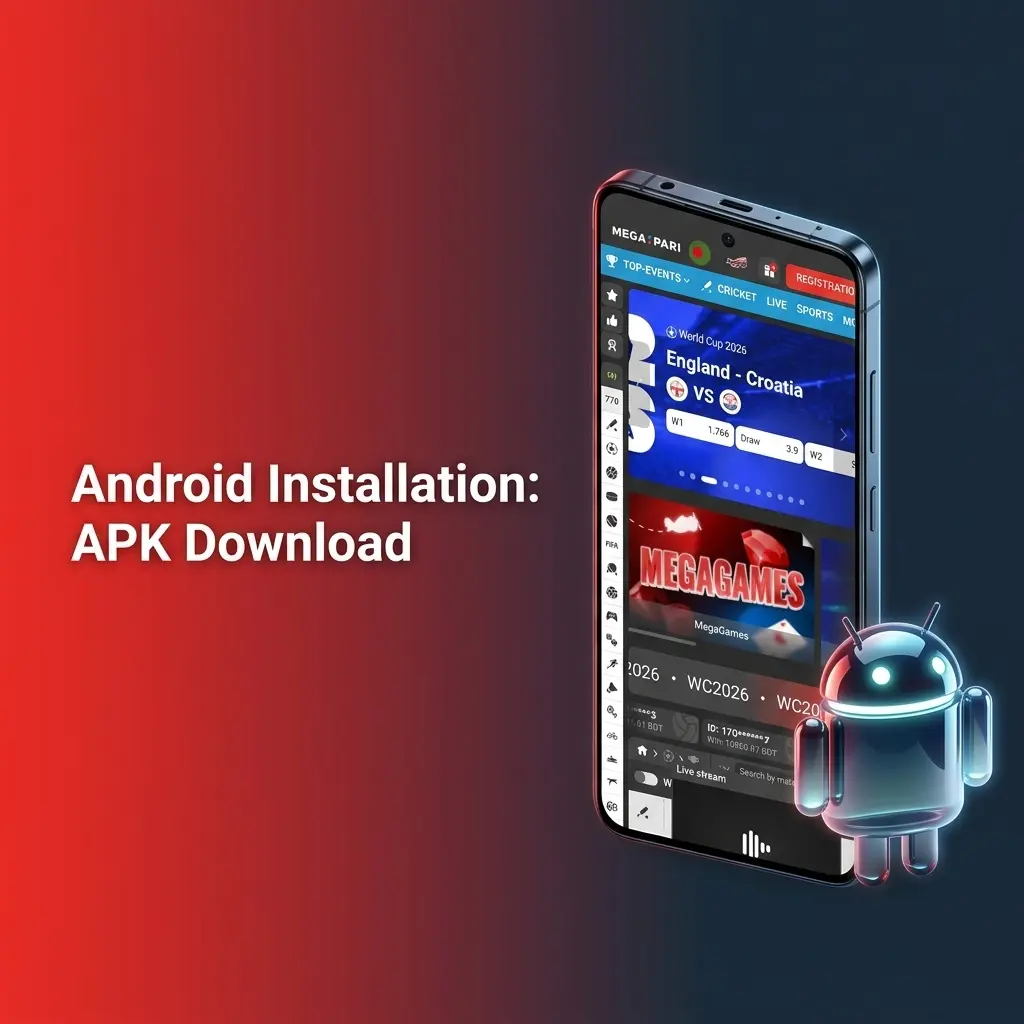
Google Play Store policies restrict gambling apps from being listed in most regions, so the MegaPari Android app is distributed as a dedicated APK file. The file is sourced directly from MegaPari’s official servers, scanned for integrity, and poses no risk to your device.
Download Sources: Official Site Only
The APK must be downloaded exclusively from this page. Third-party forums, unofficial app repositories, and social media links carry a high risk of phishing files and malware. Use only the button below to get the verified MegaPari APK. This page is the official source.

Step-by-Step Android Installation Guide
Installing the MegaPari APK on Android takes less than two minutes. Follow these steps to get the app running on your device.
Get the APK File
Tap “Download for Android” on this page to start downloading the official MegaPari APK to your device.
Allow Unknown Sources
Open your device Settings, go to Security or Privacy, and enable “Install from Unknown Sources” for your browser or file manager.
Open the APK
Locate the downloaded file in your notifications bar or in your device’s file manager and tap it to begin installation.
Confirm Installation
Tap “Install” on the prompt screen. The process takes approximately 10 to 15 seconds.
Launch the App
Once installed, tap “Open” or find the MegaPari icon on your home screen to start the app.
Log In or Register
Sign in with your existing account credentials or create a new account directly inside the app.
Android System Requirements & Compatible Devices
The MegaPari app runs on the vast majority of Android devices available in Ethiopia. Check the table below to confirm compatibility before downloading.
| Parameter | Minimum | Recommended |
|---|---|---|
| Android Version | Android 5.0 (Lollipop) | Android 10 or higher |
| RAM | 1 GB | 2 GB or more |
| Storage Space | 100 MB free | 200 MB free |
| Internet Connection | 3G / Mobile Data | 4G LTE or Wi-Fi |
| Processor | 1.2 GHz single-core | 1.8 GHz quad-core or better |
MegaPari App for iOS: iPhone & iPad
The MegaPari app is fully optimized for iOS and delivers a stable gaming experience across all iPhone models from iPhone 6s onwards. iPad users benefit from an expanded layout that makes use of the larger screen without any UI distortion.
iOS Download Options: App Store & Direct Link
The MegaPari iOS app may be available directly on the App Store. If it does not appear in the Ethiopian App Store listing, switch your Apple ID region to a supported country to access it. If the app is temporarily unavailable in the App Store, you can add the MegaPari Web App (PWA) to your iPhone home screen via Safari for a near-native experience. Use only the button below from this page to access the correct link.
Step-by-Step iOS Installation Guide
Installing MegaPari on your iPhone or iPad is straightforward. Follow the steps below to get started.
Access the Download Page
Tap “Download for iOS” on this page to be directed to the correct App Store listing or the iOS installation link.
Install the App
Tap “Get” on the App Store page and confirm with your Apple ID, Face ID, or Touch ID.
Trust the Developer (if prompted)
If a trust prompt appears, go to Settings, then General, then VPN and Device Management, and tap “Trust” on the MegaPari profile.
Open the App
Tap the MegaPari icon on your home screen once installation completes.
Log In or Register
Enter your existing account credentials or complete a new registration directly within the app.
iOS System Requirements & Compatible Devices
The MegaPari iOS app covers a wide range of Apple devices. Refer to the table below to verify compatibility.
| Parameter | Minimum | Recommended |
|---|---|---|
| iOS Version | iOS 11.0 | iOS 15 or higher |
| Device | iPhone 6s / iPad (5th gen) | iPhone 12 or newer / iPad Air 4 or newer |
| Storage Space | 100 MB free | 200 MB free |
| RAM | 2 GB | 3 GB or more |
| Internet Connection | 3G / Mobile Data | 4G LTE or Wi-Fi |
MegaPari for Windows PC
A dedicated Windows desktop application is available for users who prefer a stable, browser-independent experience. It provides consistent access to all platform features without relying on tab management or browser-related interruptions.

Step-by-Step Windows Installation Guide
Installing the MegaPari desktop client on a Windows PC takes a few minutes. Follow the steps below.
Get the Installer
Click “Download PC” on this page to download the official MegaPari Windows installation file.
Run the Installer
Locate the downloaded .exe file in your Downloads folder and double-click it to launch the setup wizard.
Follow Setup Prompts
Accept the license agreement and choose your preferred installation directory, then click “Install.”
Complete Installation
The installer will copy files to your PC. This typically takes under 60 seconds on a standard connection.
Launch and Sign In
Open the MegaPari desktop app from your desktop shortcut or Start Menu and log in with your account credentials.
Registration & Login in the MegaPari App
Getting started in the app takes under 60 seconds. Both account creation and login are designed for minimal steps, so you can start betting or playing casino games immediately after opening the app.
How to Create a MegaPari Account: Step-by-Step
New players can register a MegaPari account directly through the app in a few simple steps.
- Tap “Create an Account” on this page to open the app’s registration screen.
- Select your preferred registration method: by phone number, email address, or social account.
- Enter your details, choose Ethiopia as your country, and set your preferred currency (ETB is supported).
- Create a secure password and confirm your details.
- Tap “Register” to complete setup. Your account is active immediately.

How to Log In to Your Existing Account
Logging in to MegaPari is a two-tap process once the app is installed.
- Tap “Log In to the App” on this page to open the app’s login screen.
- Enter your registered email address or phone number and your password.
- Tap “Log In” to access your account dashboard.
- Enable biometric login (fingerprint or Face ID) in the app settings for faster access on future sessions.
Important: If you already have a MegaPari account, do not create a new one. Each player is permitted one account only. Creating a duplicate account may result in account suspension and forfeiture of bonuses.
How to Place Bets in the MegaPari App
The MegaPari app covers pre-match and live sports betting on 30+ sports, with live odds refreshing continuously during events. You can lock in a line within seconds of a market shifting. The full betting catalogue, including Asian handicaps, totals, and player props, is available on mobile with no restrictions compared to the desktop version. Live cash-out is supported for eligible events, giving you control over open positions.
Step-by-Step Betting Guide
Placing your first bet in the MegaPari app follows a straightforward process.
- Tap “Place a Bet” on this page to open the app and navigate to the Sports section.
- Select your sport, for example Football, and browse the available events or use the search function.
- Tap any odds figure to add a selection to your bet slip. The slip opens automatically at the bottom of the screen.
- Choose your bet type: single, accumulator, or system.
- Enter your stake amount in ETB and review the potential return displayed on screen.
- Tap “Place Bet” to confirm. A confirmation notification appears immediately once the bet is accepted.

Casino Section in the MegaPari App
Most MegaPari players access the casino from a smartphone. Leading studios including Pragmatic Play, Evolution, and Hacksaw Gaming have fully rebuilt their titles for mobile using HTML5, ensuring lag-free gameplay with touchscreen controls. The casino section in the app loads games directly without browser redirects.

Games Available in the MegaPari App
The MegaPari casino app gives access to 8,000+ titles across multiple categories. Below are the main game types available:
- Slots: Thousands of video slot titles from 100+ providers including Pragmatic Play, PG Soft, and NetEnt, covering classic 3-reel games, Megaways mechanics, and cluster pay formats;
- Live Dealer Casino: Real-time tables hosted by live dealers, including Live Blackjack, Live Roulette, Live Baccarat, and game show formats such as Crazy Time and Monopoly Live;
- Crash Games: Fast-paced multiplier titles including Aviator by Spribe and JetX by SmartSoft, popular with Ethiopian players;
- Table Games (RNG): Virtual versions of Blackjack, Roulette, Baccarat, and Poker with no wait times;
- Virtual Sports: Simulated football, horse racing, and greyhound events with betting available around the clock;
- Lottery & Keno: Number-draw formats with rapid results and low minimum bet thresholds.
Payment Methods in the MegaPari App
All transactions processed through the MegaPari app are protected by SSL encryption. Ethiopian players have access to multiple payment options covering both local and international methods. Deposits are credited to your account balance instantly in most cases.
| Method | Type | Processing Time | Limits |
|---|---|---|---|
| Bank Transfer | Both | Deposit: instant; Withdrawal: 1–5 business days | Min: 100 ETB; Max: 500,000 ETB |
| Perfect Money | Both | Deposit: instant; Withdrawal: up to 24 hours | Min: 100 ETB; Max: 200,000 ETB |
| Kvitum | Deposit | Instant | Min: 50 ETB; Max: 100,000 ETB |
| Jeton Cash | Both | Deposit: instant; Withdrawal: up to 24 hours | Min: 100 ETB; Max: 150,000 ETB |
| Cryptocurrency (BTC, ETH, USDT, and others) | Both | Deposit: instant (after network confirmation); Withdrawal: up to 1 hour | Min: equivalent of 50 ETB; Max: no fixed limit |
Note: Exact limits and processing times may vary by account verification status and current network conditions. Check the Cashier section in the app for live figures.

How to Make a Deposit via the App
Funding your MegaPari account through the app takes under 60 seconds. All deposits are credited to your balance immediately in most cases.
Open the Cashier
Tap “Deposit via the App” on this page, then navigate to the Cashier section inside the app.
Select a Payment Method
Choose your preferred option from the list, for example bank transfer, Perfect Money, or cryptocurrency.
Enter the Deposit Amount
Input the amount in ETB you wish to deposit. Confirm it meets the method’s minimum threshold.
Confirm the Transaction
Follow the on-screen steps for your chosen method. For bank transfer, you will receive account details to complete the transfer.
Check Your Balance
Once the payment is processed, your account balance updates automatically.
How to Withdraw Funds via the App
Withdrawals through the MegaPari app are processed directly to your chosen payment method. Ensure your account identity verification (KYC) is completed before submitting a withdrawal request to avoid delays.
Go to the Cashier
Tap “Withdraw via the App” on this page and open the Cashier section inside the app.
Select Withdrawal Method
Choose the same method used for your deposit where possible, for example bank transfer or cryptocurrency.
Enter Withdrawal Amount
Input the amount in ETB you want to withdraw. Confirm it does not fall below the method’s minimum limit.
Provide Payment Details
Enter the required account information, such as your bank account number or crypto wallet address.
Submit the Request
Confirm the withdrawal. Processing time varies by method: cryptocurrency withdrawals typically complete within 1 hour, while bank transfers may take 1–5 business days.
Bonuses & Promo Codes for MegaPari App Users
All standard MegaPari promotions are available in full through the mobile app. New Ethiopian players receive a 100% welcome package up to 31,200 ETB split across the first two deposits, plus 150 free spins. The sports welcome offer provides a 100% deposit match up to 15,000 ETB on the first deposit.
Existing players can access ongoing promotions including weekly cashback on casino losses and accumulator boosts on selected sports events. MegaPari runs periodic app-specific campaigns rewarding players for completing actions through the mobile platform, such as placing a set number of bets via the app within a promotional period.
To activate a promo code in the app: log in, tap the account icon, go to “Bonuses” or “Promo Code” in the menu, enter your code in the designated field, and tap “Apply.” The bonus will be credited according to the offer’s terms. Bonus wagering requirements apply. Review the full bonus terms inside the app before activating any offer.
MegaPari Mobile Web Version
The MegaPari mobile website is a practical alternative for players who prefer not to install an app, use a less common operating system, or need to conserve device storage. Open the site in any mobile browser and it adapts automatically to your screen size, from a 4.7-inch smartphone to a 12-inch tablet. All core features remain accessible through the browser version, including sports betting, casino games, live dealer tables, deposits, and withdrawals. No installation is required.
MegaPari App: Pros & Cons for Ethiopian Players
The MegaPari app covers every major betting and gaming need for Ethiopian users on mobile. Here is a clear breakdown of its strengths and current limitations.
Pros:
- Full access to 8,000+ casino games and 30+ sports, identical to the desktop version;
- Faster load times compared to the mobile browser version due to locally stored UI assets;
- Lower mobile data consumption per session, relevant for Ethiopian users on limited data plans;
- Stable performance on 3G connections, common in many parts of Ethiopia;
- In-app live streaming on selected football, basketball, and tennis matches;
- ETB currency support and local-friendly payment methods including bank transfer and Kvitum;
- 100% welcome package up to 31,200 ETB available immediately after registration;
- 24/7 live chat support accessible directly within the app;
- Biometric login (fingerprint and Face ID) for faster account access.
Cons:
- Android version requires manual APK installation, as it is not listed on the Google Play Store;
- iOS availability in Ethiopia may require an Apple ID region change to access the App Store listing.
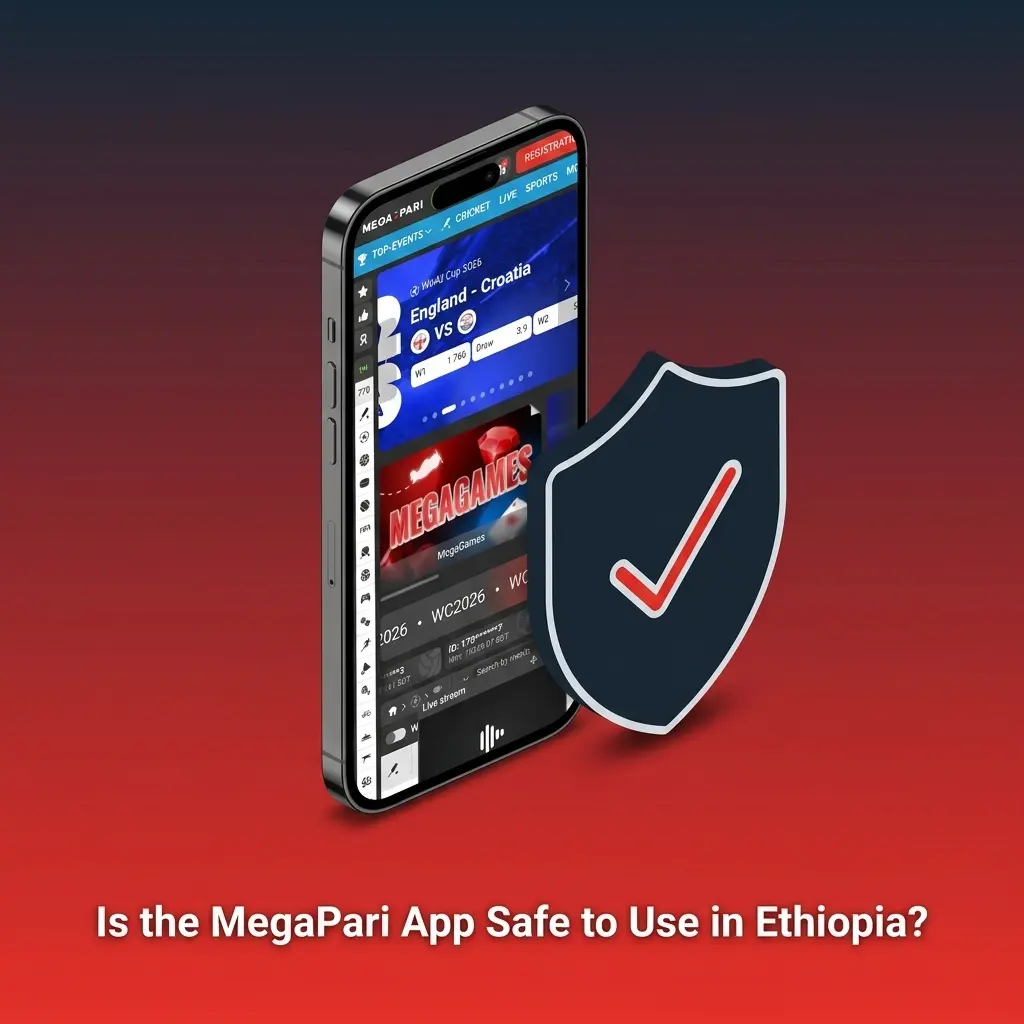
Is the MegaPari App Safe to Use in Ethiopia?
The MegaPari app uses SSL (Secure Socket Layer) encryption to protect all personal and financial data transmitted between your device and the platform’s servers. Account data, payment details, and session information are fully secured against interception. MegaPari operates under a Curaçao eGaming licence (licence number 8048/JAZ), which requires adherence to data protection and fair-play standards. The official app downloaded from this page is 100% safe to install and use.
FAQ
Can I use the same MegaPari account on both the app and the desktop site?
Yes. Your MegaPari account works across all platforms, including the Android app, iOS app, Windows client, and the browser version. Balances, bonuses, and betting history sync automatically.
Does the MegaPari APK drain battery faster than the mobile site?
No. Because the app stores UI assets locally, it makes fewer server requests per session than the browser version, which typically results in equal or lower battery consumption during normal betting and gaming activity.
Is there a minimum deposit amount for Ethiopian players using the app?
Yes. The minimum deposit varies by payment method. Bank transfer and most e-wallets start at 100 ETB. Kvitum accepts deposits from 50 ETB. Cryptocurrency limits are set as the equivalent of approximately 50 ETB.
What should I do if the MegaPari app crashes on my Android device?
First, check that your device runs Android 5.0 or higher and has at least 100 MB of free storage. If the issue persists, uninstall the current APK and re-download the latest version from this page, as an outdated APK file is the most common cause of instability.
Are the live dealer games available in the app the same as on the desktop site?
Yes. The full live casino catalogue, including Evolution Gaming tables and game show titles such as Crazy Time, is available in the app. Games load directly within the app interface without redirecting to an external browser.
Updated: